
How Can I Monitor My Child's Phone Usage When They Are Not at Home?
Wondering what your child does on their phone at school, tutoring centers, or a friend's house is natural. Here is how to set up transparent, respectful, and effective remote monitoring.
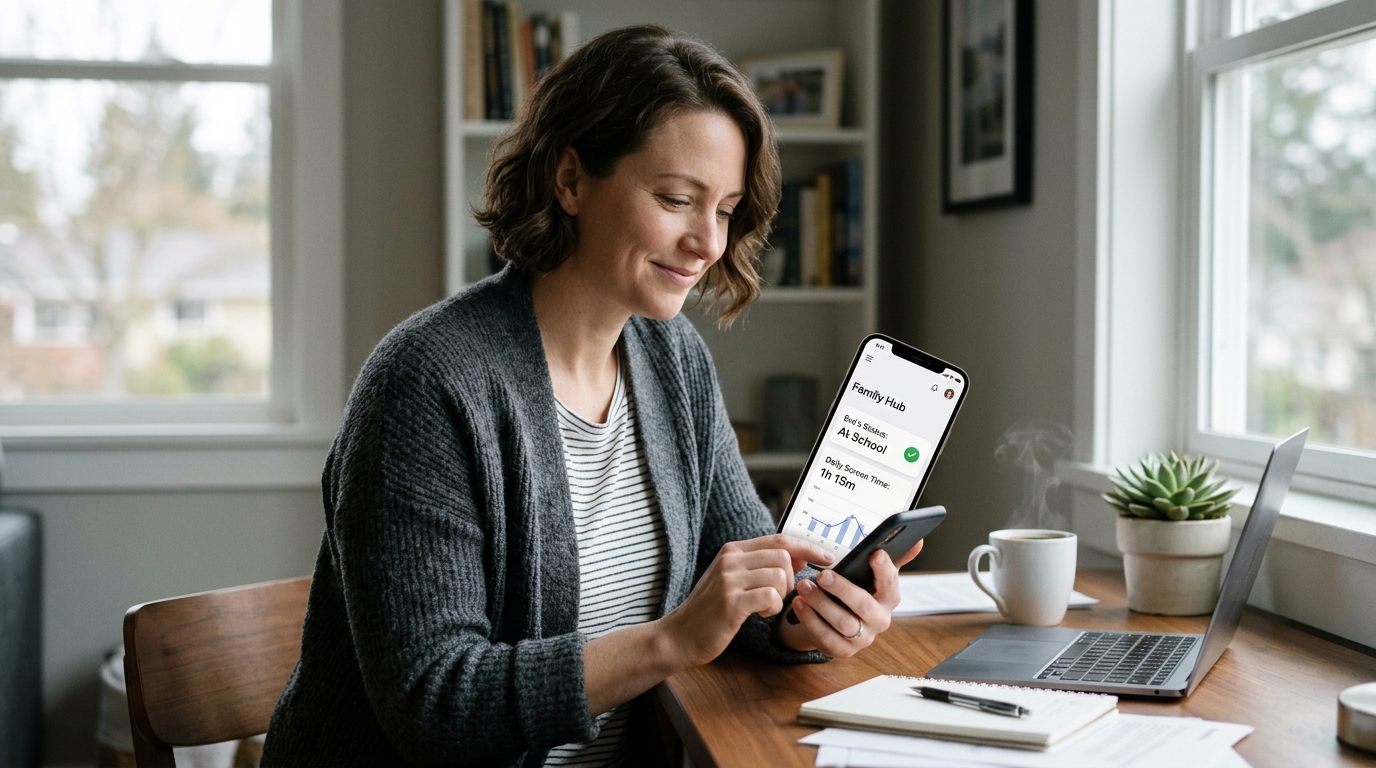
Monitoring screen time when your child is sitting on the living room sofa is straightforward. But what happens once they pack their backpack and step out the front door? Whether they are at school, walking between tutoring classes, or hanging out at a friend's house, the questions multiply: Are they truly paying attention in class or playing mobile games under the desk? Are they looking down at social media while crossing busy intersections? These natural anxieties prompt parents to search for remote phone monitoring solutions. Yet many fall into two traps: confusing passive screen time logs with live location safety, or resorting to invasive spyware that damages family trust. Here is the definitive, step-by-step guide to transparent and reliable remote monitoring.
What is the Difference Between Screen Time Reports and Live Location Tracking?
True out-of-home protection requires the intelligent fusion of both metrics.
Screen Time Reports (What are they doing?)
Details total device uptime, app usage minutes, and unlock counts. However, it cannot tell you WHERE this usage occurred—at school during math class, on the school bus, or late at night.
Live Location Tracking (Where are they?)
Pinpoints physical GPS coordinates, movement velocity, and geofence arrivals (school, home). But it tells you zero about whether they are browsing inappropriate web content while sitting safely at school.
Integrated Protection: SmartFamilyEye
Bridges both worlds: "When the child is within school boundaries, automatically mute entertainment apps and keep education tools open; notify parents instantly the moment they depart."
What Information Can Be Seen with Which Application?
| Tracking Capability / Feature | Built-in Tools (Screen Time / Digital Wellbeing) | Google Family Link | Apple Find My / Find My Device | SmartFamilyEye |
|---|---|---|---|---|
| Remote Live GPS Tracking | ❌ None (Usage time only) | ⚠️ Laggy & intermittent (15-30 min delay) | ✅ Yes (Location only) | ✅ Real-time live GPS + Full route history |
| Remote Instant Screen Time | ❌ Local to child device only | ⚠️ End-of-day summary (Not real-time) | ❌ None | ✅ Live real-time meters & app breakdown |
| School / Activity Geofencing | ❌ None | ⚠️ Inconsistent & delayed alerts | ⚠️ Basic arrival notice only | ✅ Instant entry/exit alerts + automated mode |
| Remote School Study Lock | ❌ Cannot trigger remotely | ⚠️ Blocks whole screen abruptly | ❌ None | ✅ Smart study mode: Locks games, keeps textbooks open |
| Distracted Walking Alerts (Street Safety) | ❌ None | ❌ None | ❌ None | ✅ Alerts when screen used while moving on foot |
| Battery Level & Speed Monitoring | ❌ None | ⚠️ Battery percentage only | ⚠️ Small battery icon only | ✅ Low battery warning + Vehicle speed alerts |
Device Permissions and Privacy: Protection vs. Invasive Spying
Setting up remote monitoring requires configuring necessary technical permissions while preserving your child's dignity and emotional trust.
Location Permission (Allow All The Time)
Required so the app can register geofence crossings (arriving at school/sports) even when running in the background or when the phone is locked.
Usage Access
Enables the operating system to log which apps are opened and enforce remote quotas when game limits expire.
Accessibility Services
Forms a dynamic system-level web shield to filter malicious websites, adult content, and gambling across all web browsers.
Why Covert Spyware is Counterproductive
Commercial "spyware" promising to secretly read private WhatsApp chats or tap microphones is not only legally questionable, but devastating to family bonds. When children discover covert surveillance, trust shatters, leading them to hide second burner phones. SmartFamilyEye firmly rejects spying: it does not read private chat messages. Its mission is transparency—knowing they are safe, managing boundaries, and shielding them from digital hazards. The healthy parental phrase to use is: "We install this together not to spy on your thoughts, but to ensure you are safe when away from home and can always get help in an emergency."
How to Handle 3 Critical Away-From-Home Scenarios
School Hours: Focused Study Lock
Vibrating notifications during lectures, losing track of time in recess gaming, or sneaking phone peeks under classroom desks.
SmartFamilyEye automatically shifts into "School Focus Mode" upon entering the campus geofence (e.g. 08:30 - 15:30). Social apps, TikTok, and games lock; digital textbooks, calculators, and parent emergency calls remain open.
Commuting to Tutoring: Live Route Awareness
Child walking alone between school and sports practice, taking unknown side alleys, or getting distracted while crossing streets.
Receive an instant push notification the moment they depart school. Watch their transit live on the map and receive a confirmation alert as they check in at the sports center, along with walking-distraction warnings.
Sleepovers at Friends: Remote Bedtime Discipline
Temptation to binge YouTube or multiplayer games all night without parental supervision in an unfamiliar house.
Regardless of which local Wi-Fi or cellular network the phone connects to, scheduled bedtime lock triggers automatically at 22:30. Bedtime rules remain consistent and web filters stay active.
Frequently Asked Questions
Does remote tracking work when my child's phone leaves our home Wi-Fi?
Yes. SmartFamilyEye uses secure encrypted cloud synchronization. Whether connected via mobile data (4G/5G), school Wi-Fi, or a cafe hotspot, location updates and app stats stream directly to the parent dashboard.
Will remote tracking drain my child's battery quickly during the day?
Unlike battery-hungry GPS apps that constantly ping satellites, SmartFamilyEye utilizes intelligent accelerometer and cellular tower geofencing. GPS sleeps when the child is stationary, consuming only 3-5% daily battery.
What happens if my child turns off GPS or cellular data while out?
You can password-protect system settings in SmartFamilyEye. If location services or network connections are severed, an instant alert is sent to the parent's phone, pinning the last known coordinate on the map.
Should I tell my child that I am monitoring their phone remotely?
Yes, absolutely. Developmental psychology shows that transparent agreements build lifelong digital responsibility, whereas hidden surveillance breeds secrecy. Explain that it is a mutual family safety protocol for outside the home.
Never Leave Your Child's Safety to Chance When They Are Away
Experience live GPS route tracking, automated school focus modes, and respectful screen time boundaries with SmartFamilyEye.