
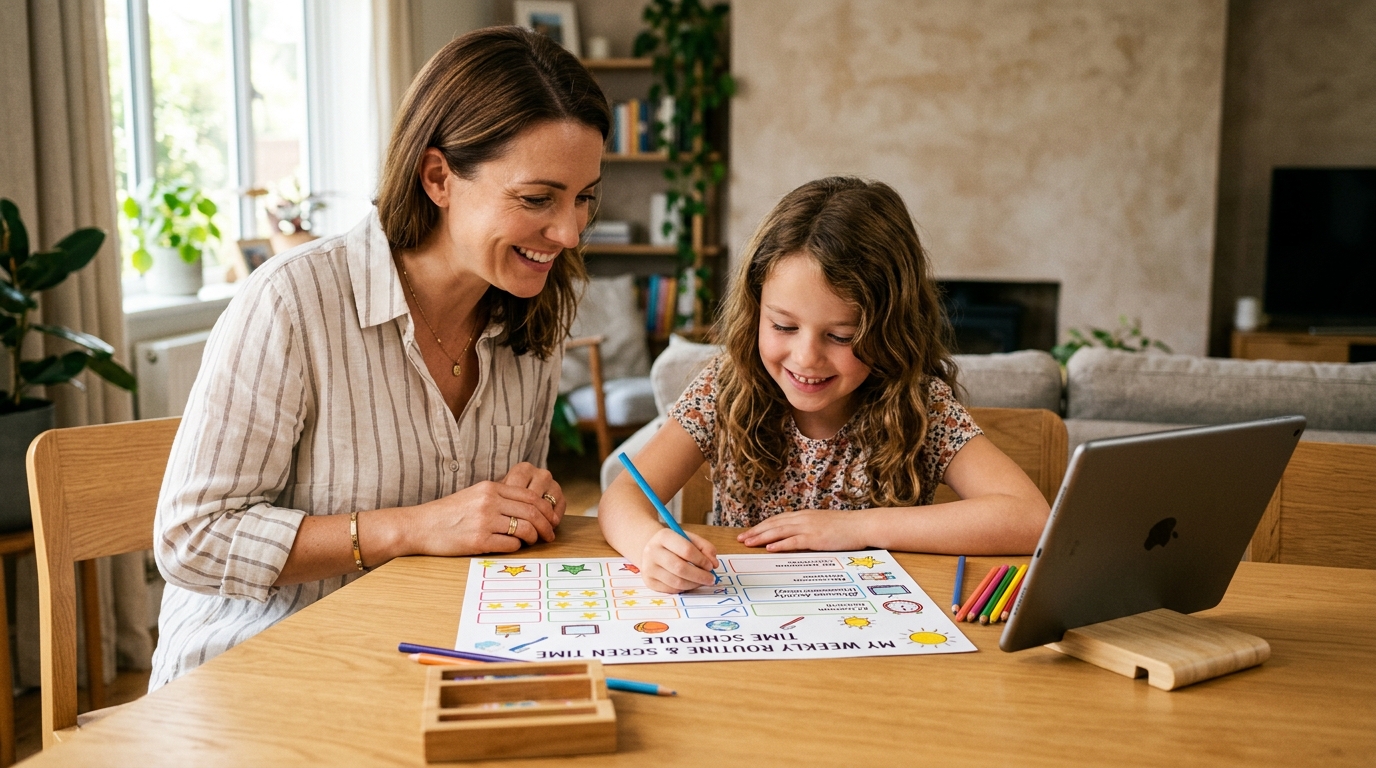
One of the most exhausting daily struggles parents face is the recurring evening battle: "Just five more minutes!", "Turn it off now!", "I just started playing!" When screen boundaries are unpredictable or depend on a parent’s momentary patience, children will constantly push the limits. The real solution is a structured, visual weekly screen time schedule that clearly delineates school days from weekends and allows children to take ownership of their own digital habits. Guided by recommendations from the American Academy of Pediatrics (AAP) and World Health Organization (WHO), this comprehensive guide delivers age-appropriate limits, hour-by-hour weekday and weekend routines, and a printable chart ready for your refrigerator.
Recommended Screen Time Limits by Age Group
Every developmental stage has distinct neurological needs; match screen boundaries to your child’s cognitive maturity
Avoid unsupervised screen exposure. Prioritize interactive storytelling and educational programming over passive autoplay video. Strictly zero screens during meals and in the 60 minutes before bedtime.
Differentiate educational research from entertainment gaming. Social feeds and gaming platforms like Roblox or TikTok should be restricted on school nights, with hours collaboratively agreed upon in the weekly schedule.
Total prohibition fuels deceit and rebellion. Shift focus toward healthy digital hygiene, cyberbullying awareness, and establishing an evening curfew where phones charge outside the bedroom by 9:30 PM.
School Day vs. Weekend Screen Time Routines
Establish predictable time blocks to protect study flow, family dinners, and deep sleep
🏫 School Day Routine (Monday - Friday)
Total Free Screen Time: 45 - 60 MinutesMorning Routine & Breakfast
🚫 ZERO SCREENSStarting the morning with video feeds impairs school attention.
School & Classes
📚 EDUCATION ONLYPhone stays in backpack or in SmartFamilyEye School Focus Mode.
After-School Decompression
🟢 30 MIN FREE TIMEShort relaxation window to play a game or watch a favorite show.
Homework, Reading & Study
🚫 ZERO SCREENSPhone charges in the living room dock; textbooks on the desk.
Family Dinner & Connection
🚫 DEVICE-FREE ZONEZero screens at the dinner table, including parents.
Evening Digital Session
🟢 20-30 MIN REWARDEarned leisure screen session after daily responsibilities.
Bedtime Hygiene & Sleep
🌙 AUTO-LOCK ENGAGEDNo devices in the bedroom to protect melatonin production.
🎈 Weekend Routine (Saturday - Sunday)
Total Free Screen Time: 90 - 120 MinutesFamily Breakfast & Conversation
🚫 DEVICE-FREE ZONEStart the weekend together calmly without morning tablet haze.
1st Digital Gaming/Video Block
🟢 45-60 MIN PLAYFree choice of mobile games, creative content, or online chat.
Outdoor Sports, Parks & Friends
🏃 ACTIVE OUTDOORSPhysical exercise, sunshine, and in-person social connections.
Weekend Review & Reading
📚 45 MIN FOCUSLight study or book reading to prevent Sunday night panic.
2nd Digital Session
🟢 45 MIN FREE TIMEGaming with friends or connecting online.
Family Movie or Board Games
🎬 SHARED FAMILY SCREENShared communal entertainment rather than isolated scrolling.
Nighttime Rest
🌙 NIGHT LOCKDevices docked in the living room station before lights out.
Sample Weekly Screen Time Schedule
A structured visual plan designed for your refrigerator or study area
| Day | Morning | Afternoon | Evening | Daily Allowance | Goal Achieved? |
|---|---|---|---|---|---|
| Monday | Zero Screens | 30 min (Before homework) | 30 min (After dinner) | 60 Minutes | [ ] Done ⭐ |
| Tuesday | Zero Screens | 30 min (Before homework) | 30 min (After dinner) | 60 Minutes | [ ] Done ⭐ |
| Wednesday | Zero Screens | Zero Screens (Sports day) | 45 min (After homework) | 45 Minutes | [ ] Done ⭐ |
| Thursday | Zero Screens | 30 min (Before homework) | 30 min (After dinner) | 60 Minutes | [ ] Done ⭐ |
| Friday | Zero Screens | 45 min (Weekend kickoff) | 45 min (Movie/Gaming) | 90 Minutes | [ ] Done ⭐ |
| Saturday | 45 min (Morning) | Outdoor Sports & Park | 45 min (Evening) | 90-120 Minutes | [ ] Weekend Hero 🏆 |
| Sunday | 45 min (Morning) | Shared Family Activity | 30 min (Early bedtime) | 75-90 Minutes | [ ] Week Celebration 🎁 |
My Daily Achievement Checklist
Empower children to check off their own milestones instead of relying on parental policing
When your child completes these 5 foundational daily targets, their screen time is granted without debate or friction:
Completed all school assignments and daily reading practice.
Tidied my bedroom and packed my schoolbag for tomorrow.
Spent at least 30 minutes in active outdoor play or sports.
Read at least 20 pages of my chosen reading book.
Docked my phone in the living room when the timer rang without arguing.
How to Adapt This Schedule to Your Family’s Reality
Every home has unique dynamics; prioritize clear principles over rigid, unbending rules
For Working Parents
If you arrive home late, leaving afternoon screens unmonitored invites trouble. Use SmartFamilyEye’s scheduler to open access only from 5:00 to 6:00 PM, saving dinner and evening time for real family connection.
Multi-Child Households
Older siblings have different research requirements than younger children. When an older child needs a PC for an essay, organize special screen-free board games or baking with the younger sibling so it feels fair.
Sick Days & Long Holidays
Allow extra flexibility when a child is recovering or on school break. However, keep core health non-negotiables firm: the dinner table and the bedroom remain strictly screen-free zones.
Avoid Using Screens as Punishments
Revoking devices over unrelated misbehavior elevates the emotional value of the screen. Treat digital access as an earned daily balance that follows completed responsibilities.
Turn Your Schedule into Effortless Digital Harmony
Constantly watching the clock and arguing over device limits is draining. SmartFamilyEye enforces your family routine automatically so you can focus on loving connections.
Category-Based Daily Time Budgets
Grant 45 minutes for mobile games while keeping learning apps open. When time expires, devices lock gently with a friendly warning.
Automated Bedtime Lockout
At 9:00 PM on school nights, screens automatically turn off. End the habit of late-night secret texting beneath the bed covers.
Instant Dinner Table Pause
Dinner is served or family discussion time? Freeze all children’s screens instantly from your own smartphone with one tap.
Weekly Habit & Usage Analytics
Review weekly trends together. Celebrate achievements on Sunday evening and nurture lifelong digital self-control.
Frequently Asked Questions About Screen Time Schedules
❓ What if my child refuses to follow the chart and won’t put the device down?
Never dictate the schedule unilaterally; co-create it: "You have 60 minutes today. Would you like to use 30 minutes after school and 30 minutes after dinner?" When children participate in building the schedule, adherence increases by over 80%. When time expires, let SmartFamilyEye handle the lockout so the app—not you—is the objective timekeeper.
❓ Do educational documentaries and school research count toward the daily limit?
No. Pediatric experts clearly distinguish between "active learning screens" and "passive entertainment scrolling." School essays, online language tutoring, or educational science videos do not consume recreational screen credits. The chart targets mobile games, TikTok, and YouTube entertainment.
❓ How often should our family update our screen time schedule?
Host a quick 10-minute family check-in every Sunday evening. Discuss what worked well and what felt difficult during the week. Treat the chart as a living family agreement that evolves with exam periods or school holidays.
❓ Is it better to ban screens completely on weekdays and allow free reign on weekends?
Complete weekday bans frequently trigger "weekend digital bingeing," where children wake up at 7:00 AM on Saturday and stare at screens for six straight hours. Moderate, structured 30–45 minute weekday sessions build far healthier, sustainable digital self-discipline.